 HyperSnap 10
Screen capture, with the tools to finish the job
Show them
exactly what
you mean.
A screenshot is often the quickest explanation. Capture it, add an arrow or a note, and send it—all in HyperSnap.
HyperSnap 10.4.3 · Windows 10 & 11.
All features available to try.
Unlicensed images include a stamp. OCR stays free.
Detailed change log
Installer license agreement
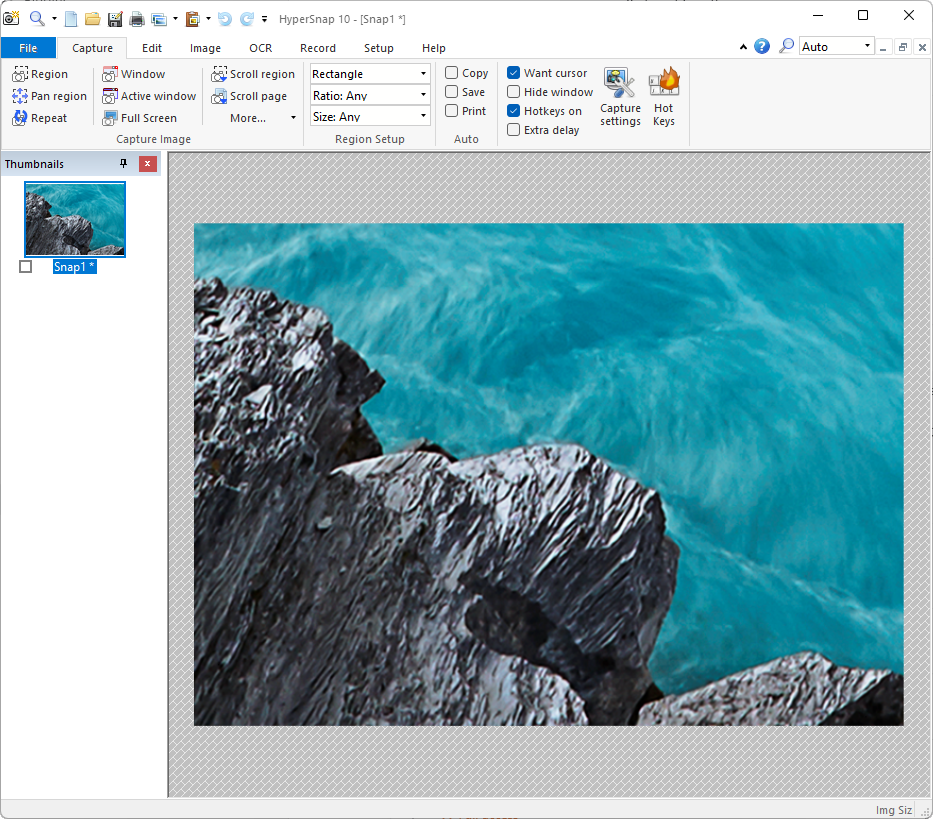
For the things
Print Screen misses.
The whole window. A disappearing menu. Text you can't select. Keep the part you need.
Get the whole picture.
Capture a scrolling page, a window, or a precise region. Delay the shot to catch a menu before it disappears.
Make the important bit obvious.
Add arrows, labels, and highlights in the same window. Crop away the clutter before you share.
Copy the text you can't select.
Use text recognition (OCR) to turn words on your screen into text you can edit. It works in the unlicensed version, too.
New in version 10
When it moves,
record it.
Show the steps of a task or catch a bug in action. Record a screen area, trim the pauses, and add notes in the built-in MP4 editor.
See the video toolsA quick walkthrough
Cut the waiting around.
Put it to work
Your next screenshot
starts here.
Download HyperSnap and try the tools on your own screen. Buy a license when you're ready to remove the stamp from your images.
Bought HyperSnap 9 on or after July 1, 2025? You may qualify for a free upgrade. Check your license.
A few things
you might ask.
More answers What does the free download include?
All features are available immediately. Unlicensed copies stamp captured or processed images from day one. OCR has no trial period or usage limit.
Will it run on my computer?
HyperSnap 10 supports Windows 10 and Windows 11. The downloads page also lists older versions and installer options.
I've lost my license. Can I get it back?
Use the license recovery page. If you get stuck, contact Hyperionics for help.
Rather listen to that document? Meet @Voice for Android.
Explore @Voice